
Local SEO continues to evolve, and businesses that want better visibility on Google Maps must use every available optimization strategy. One of the most overlooked yet powerful tools is geo-tagging. When used correctly, geo tagging strengthens your local presence, helps Google associate your business with your service area, and improves map pack visibility. This guide explains what geo tagging is, why it matters, and how to add geo tags to your images.
What Is Geo Tagging?
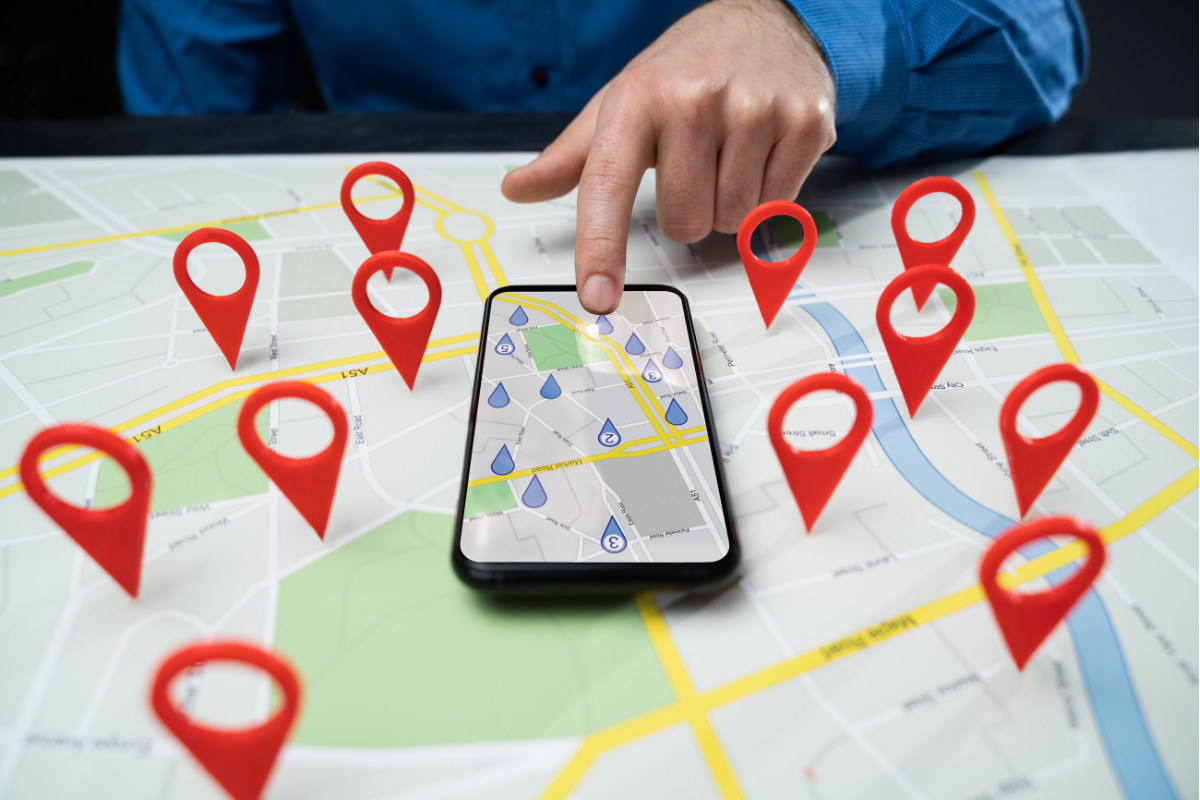
Geo tagging is the process of adding geographic coordinates such as latitude and longitude to digital content. This includes photos, videos, and some website files. When you upload geo-tagged photos to your Google Business Profile or website, they carry data that tells Google where those images were taken. This helps Google confirm your service area or business location.

Geo tagged content often includes:
- Photos of your business exterior and interior
- Project photos taken at customer locations
- Images of equipment or team members working locally
- Job site documentation for service area businesses
Geo tagging is not a replacement for core SEO, but it acts as a strong supporting factor for local visibility.
How Geo Tagging Helps Google Understand Your Location
Google uses many signals to verify a business. Geo tagged images help confirm that:
- Your business operates from the listed address
- You serve the geographical area shown in your images
- Your content is credible and locally relevant
- Customers can trust the accuracy of your listing
When Google sees multiple location-based signals across your profile, it becomes more confident in ranking your business for searches in that area.For businesses looking to boost their visibility in Kitchener, professional local SEO services can provide expert guidance on optimizing your Google Business Profile.
Why Geo Tagging Is Valuable for Local SEO
Geo tagging provides several advantages for service area and location-based businesses.
1. Strengthens Local Relevance
Local SEO depends heavily on relevance and proximity. Geo tagged images create stronger local signals, helping your business appear more often for neighbourhood searches.
2. Improves Google Maps Rankings
Images are a major factor in Google Business Profile performance. When the photos also contain accurate location data, your visibility in the map pack increases.
3. Helps Service Area Businesses Rank Correctly
If you do not have a storefront, geo tags help Google understand where your business works. Uploading job site photos with geo tags makes your service area more visible.
4. Builds Customer Trust
People trust businesses that show real, locally relevant images. Geo tagged photos of real work, local clients, or recognizable surroundings increase credibility.
5. Helps With Neighbourhood-Level SEO
Geo tagging reinforces your presence in specific neighbourhoods like:
- Doon
- Huron Park
- Forest Heights
- Stanley Park
- Downtown Kitchener
These signals help you appear in hyper-local searches.
How to Add Geo Tags to Your Photos
Adding geo tags is simple and can be done using free tools. Here is a step-by-step guide.
Method 1: Using an Online Geo Tagging Tool
Tools: GeoImgr, Pic2Map, ExifPhoto, or any EXIF editor.
Steps:
- Open a geotagging tool in your browser.
- Upload your photo.
- Enter your business coordinates or click on the map to pin your location.
- Save or download the updated, geo tagged photo.
- Upload the geotagged image to your Google Business Profile, website gallery, or blog posts.
Method 2: Using Your Smartphone
iPhones and Android devices can automatically geo tag your photos when location services are enabled.
Steps:
- Open your phone settings.
- Enable Location Services for the Camera app.
- Take photos at your business location or job site.
- Upload these photos directly to your Google Business Profile.
Method 3: Using Desktop EXIF Editing Software
Good for bulk geotagging.
Steps:
- Install EXIF editing software like GeoSetter or Adobe Lightroom.
- Import your photos.
- Add or modify location coordinates for each image.
- Save and upload the tagged photos.
Recommended Practice
- Use coordinates exactly matching your business address or service site.
- Add keyword-friendly file names before uploading.
- Upload new photos every week for stronger ongoing signals.
Geo tagging is a simple but effective way to support your local SEO. It helps Google connect your business with specific locations, strengthens your map visibility, and builds credibility with customers. When combined with strong Google Business Profile optimisation, content, and reviews, geo-tagging gives you a competitive advantage in your local service area. For businesses in Kitchener and Waterloo Region, it is an easy yet powerful step toward better rankings.